Printing is one of those business expenses that can quietly grow without attracting much attention.…

Office Equipment Maintenance Tips to Save Costs
Office equipment is one of the most important investments a business makes, yet it is often one of the most overlooked when it comes to maintenance. Copiers, printers, and multifunction devices work hard every day, and without proper care, they can quickly become a source of frustration and unexpected expense.
The good news is that a proactive approach to maintenance can significantly reduce costs, extend the life of your equipment, and keep your team productive. Whether you run a small office or a large organization, these practical maintenance tips will help you get the most value out of your office technology.
Why Maintenance Matters More Than You Think
Many businesses only address equipment issues when something breaks. While this reactive approach may seem convenient, it often leads to higher repair costs, more downtime, and shorter equipment lifespan.
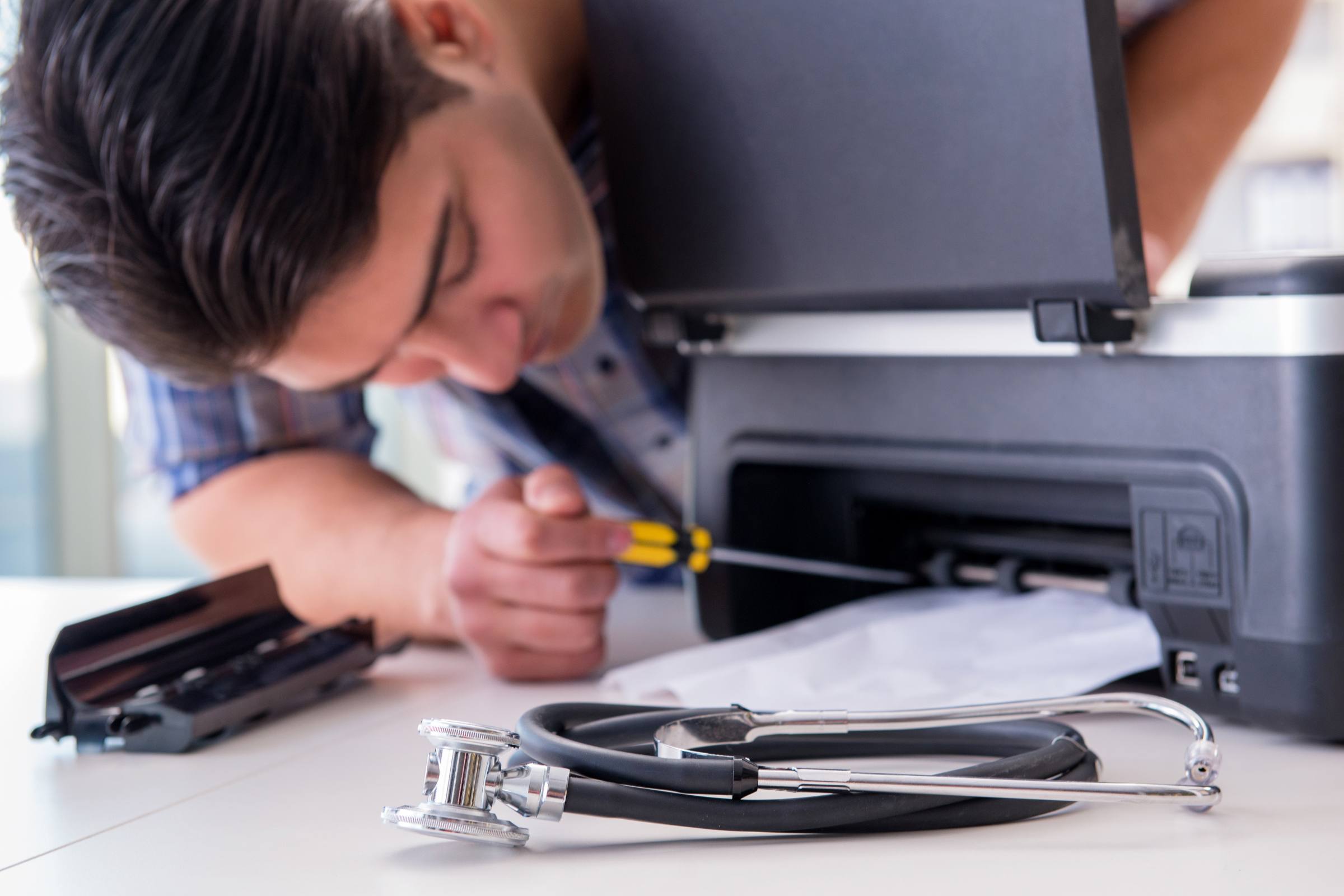
A copier is called the heart of the office, and sometimes this can be literal. Like your heart, you don’t want to wait until something goes wrong. Proactive maintenance is key.
Regular maintenance helps prevent problems before they start. It keeps your machines running efficiently, reduces wear on internal components, and ensures consistent performance. Over time, this approach saves money and avoids disruptions that can impact your entire team.
If your office relies heavily on daily printing, having access to reliable copier service can make a significant difference in long-term performance.
Keep Your Equipment Clean
Dust, toner residue, and debris are some of the most common causes of performance issues in copiers and printers. Over time, buildup can affect rollers, sensors, and internal components.
Simple cleaning habits can go a long way:
- Wipe down exterior surfaces regularly
- Clean the scanner glass to avoid streaks
- Remove dust from paper trays and feed areas
- Follow manufacturer guidelines for internal cleaning
Keeping your equipment clean improves print quality and reduces the likelihood of paper jams and mechanical issues.
Use the Right Paper and Supplies
Not all paper and toner are created equal. Using low-quality supplies can lead to frequent jams, poor print quality, and unnecessary wear on your machine.
To protect your equipment:
- Use recommended paper types and sizes
- Store paper in a dry, controlled environment
- Avoid mixing different paper weights in the same tray
- Use compatible or manufacturer-approved toner
Investing in quality supplies may seem like a small detail, but it can prevent larger, more expensive problems down the line.
Follow a Consistent Maintenance Schedule
Routine maintenance is one of the most effective ways to prevent costly repairs. Scheduling regular checkups ensures that worn parts are replaced before they fail and that your machine continues to operate at peak performance.
A typical maintenance routine may include:
- Inspecting rollers and feed mechanisms
- Checking toner levels and components
- Updating firmware and software
- Calibrating print settings
Businesses that follow a consistent maintenance plan often experience fewer breakdowns and lower overall repair costs.
Address Small Issues Early
It is easy to ignore minor problems like occasional paper jams or slight print quality issues. However, these small warning signs often indicate larger problems developing inside the machine.
Addressing issues early can prevent:
- Major component failures
- Expensive repair bills
- Extended downtime
If problems persist, it may be time to schedule professional copier repair service to diagnose and fix the issue before it worsens.
Train Your Team on Proper Usage
One of the most overlooked aspects of maintenance is how employees use the equipment. Improper usage can lead to avoidable damage and unnecessary wear.
Simple training can make a big difference:
- Show employees how to properly load paper
- Encourage careful removal of jammed paper
- Explain basic troubleshooting steps
- Reinforce proper shutdown and restart procedures
When your team understands how to use the equipment correctly, it reduces strain on the machine and minimizes service calls.
Upgrade When It Makes Sense
Even with excellent maintenance, no machine lasts forever. As equipment ages, repair costs can increase and performance may decline.
If you find yourself frequently scheduling repairs, it may be more cost-effective to explore new copiers and printers that offer improved speed, efficiency, and reliability.
Upgrading to newer technology can also introduce features like cloud integration, mobile printing, and enhanced security, all of which contribute to a more efficient workflow.
Work with a Trusted Local Provider
Partnering with a reliable service provider is one of the best ways to protect your investment. A knowledgeable team can help you maintain your equipment, recommend upgrades when needed, and respond quickly when issues arise.
Local providers offer faster response times and personalized support, helping you minimize downtime and keep your business running smoothly.
If you are looking for long-term support and guidance, explore available business copier sales.
Final Thoughts
Office equipment maintenance is not just about keeping machines running. It is about protecting your investment, reducing unnecessary costs, and ensuring your team can work without interruption.
By staying proactive with cleaning, using quality supplies, addressing issues early, and partnering with a trusted provider, you can extend the life of your equipment and avoid costly surprises.
A well-maintained copier or printer does more than save money. It supports productivity, improves efficiency, and helps your business operate at its best every day.
Contact Us today for more information, or assistance placing an order.
Related Posts