The best copier for one business can be completely wrong for another. A small accounting…
Document Workflow Automation: How Smarter Office Technology Improves Productivity
Paper hasn’t disappeared from the modern office, but the way businesses handle documents has changed dramatically.
Consider a common workflow. An employee receives a paper document, scans it, emails the file to a coworker, renames the attachment, saves another copy to a shared folder, and manually forwards information to the next person responsible for processing it.
Each step takes only a few minutes. Multiply those minutes across dozens of documents, employees, departments, and working days, however, and inefficient document handling can consume a significant amount of productive time.
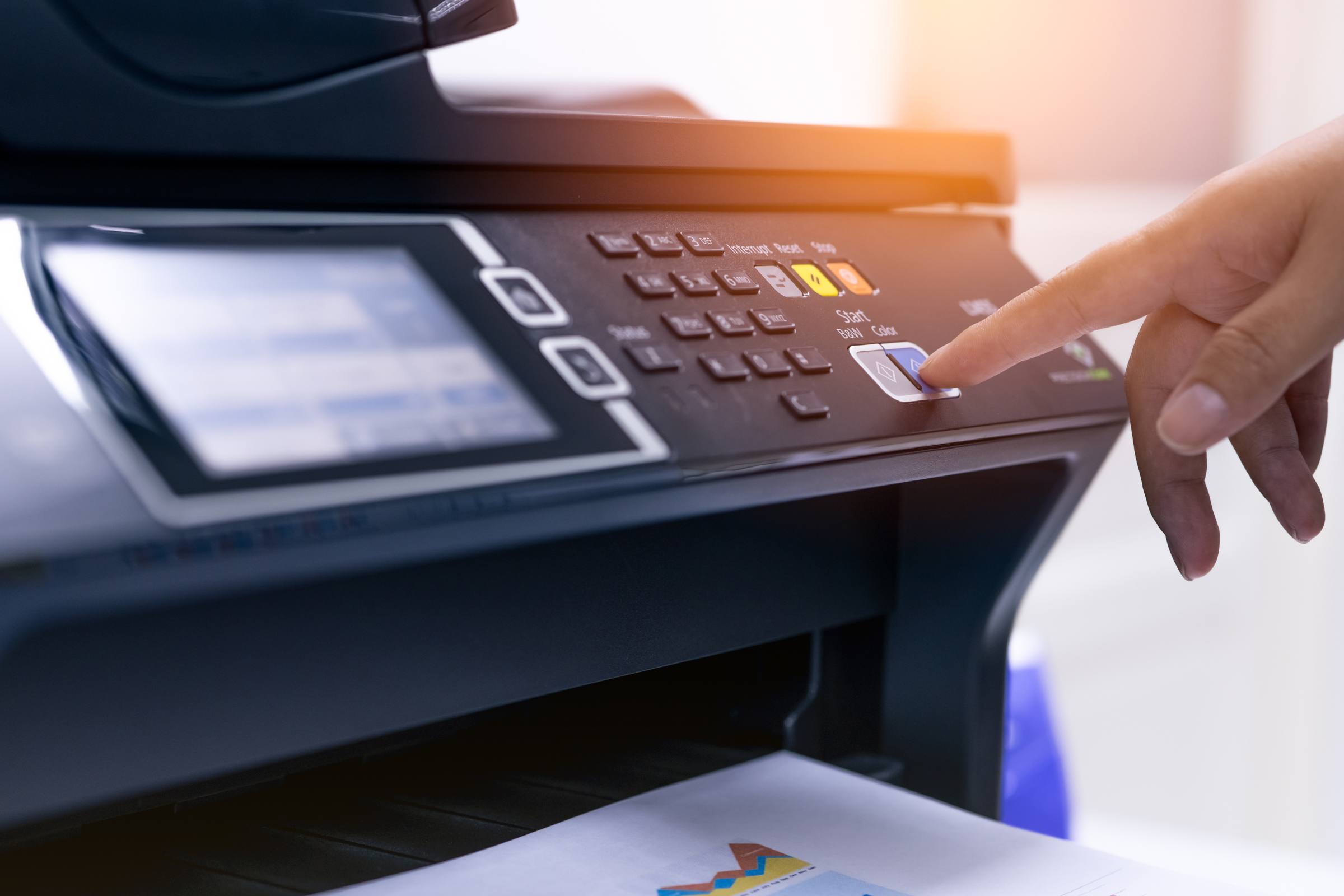
Document workflow automation is about simplifying those repetitive processes. Modern multifunction copiers and printers can do much more than print and make copies. When configured appropriately, they can become an important connection point between paper documents and digital business workflows.
For New Jersey businesses looking to improve office productivity, understanding these capabilities can help turn an everyday piece of office equipment into a more valuable business tool.
What Is Document Workflow Automation?
Document workflow automation uses technology to reduce the number of manual steps required to capture, route, store, share, and retrieve business documents.
Instead of repeatedly scanning a document and manually deciding where it should go, an automated or streamlined workflow can help move information toward the correct destination with fewer steps.
Depending on the equipment, software, and systems a business uses, workflows may support functions such as:
- Scanning documents directly to designated folders
- Sending scanned files to email destinations
- Converting paper documents into digital files
- Creating searchable PDFs
- Routing documents to appropriate departments
- Standardizing file destinations
- Simplifying document archiving
- Supporting cloud-based document processes
The objective isn’t automation simply for the sake of technology. A useful document workflow should make an existing business process faster, easier, more consistent, or easier to manage.
How Multifunction Copiers Fit Into Digital Workflows
Many offices still think of the copier as the machine employees visit when they need 20 copies of a document.
Today’s multifunction devices can combine printing, copying, scanning, and other document-handling capabilities in a single system. For businesses that regularly move information between paper and digital environments, scanning capabilities can be particularly important.
For example, an employee may be able to scan a document and send it directly to an email address or network location rather than scanning it, returning to a computer, finding the file, renaming it, attaching it, and then sending it manually.
Those differences may sound small, but repetitive processes are exactly where workflow improvements can add up.
If your existing equipment makes routine document tasks unnecessarily complicated, exploring newer copiers and printers can help you understand which capabilities are available for today’s offices.
Common Office Processes That Can Benefit From Better Document Workflows
Almost any organization that handles recurring paperwork can benefit from examining how documents move through the business.
Accounting and accounts payable teams may regularly receive invoices, purchase orders, expense documentation, and financial records that need to be scanned, shared, or archived.
Human resources departments often handle applications, employee forms, onboarding documents, and other records that must reach specific people or systems.
Legal offices may need to digitize correspondence, case documents, signed forms, and large document sets.
Healthcare offices often operate in document-intensive environments where efficient handling and appropriate security practices are especially important.
Schools and government offices can process large volumes of forms, applications, administrative documents, and records.
The exact workflow will vary by organization. That’s why improving document processes should begin with understanding how employees actually work, rather than simply adding more technology.
Where Inefficient Document Processes Cost Businesses Time
One of the easiest ways to identify workflow problems is to look for unnecessary repetition.
Ask questions such as:
- Are employees scanning documents and then manually moving the files?
- Do people repeatedly type the same email addresses or folder destinations?
- Are scanned documents difficult to locate later?
- Do employees create multiple versions of the same file?
- Are paper documents moving physically between departments when they could be digitized?
- Are employees using separate devices for printing, copying, and scanning?
- Does a routine document process require more steps than it should?
A single inefficient task may not appear significant. Hundreds of repeated tasks can be.
This is also why equipment selection should consider more than pages per minute. A copier that fits your print volume but makes critical scanning workflows difficult may not be the right machine for your organization.
The Business Benefits of Document Workflow Automation
When implemented around a real operational need, better document workflows can create several advantages.
Less Manual Document Handling
Reducing repetitive scanning, emailing, renaming, and filing allows employees to spend less time performing administrative steps.
Faster Access to Information
Digitized documents stored in logical locations can be easier for authorized employees to retrieve than paper documents kept in filing cabinets or scattered across desks.
More Consistent Processes
Standardized workflows can reduce differences in how individual employees handle the same type of document.
Reduced Dependence on Paper
Not every document needs to remain physical throughout its entire lifecycle. Better scanning and digital routing can reduce unnecessary copying and printing.
Improved Office Productivity
When everyday document processes require fewer steps, employees can spend more time on work that directly contributes to the organization.
Document Workflow Automation and Print Management Are Not the Same Thing
Although the two can complement each other, document workflow automation and Managed Print Services solve different problems.
Document workflow automation focuses primarily on how information moves through the organization.
Managed Print Services focuses on managing the print environment itself, including areas such as device usage, supplies, maintenance, fleet performance, and printing expenses.
A business can benefit from one without necessarily needing the other. Organizations with larger printer fleets, however, may find value in addressing both.
If controlling equipment, supplies, and printing costs is also a priority, learn more about RDC’s Managed Print Services.
What Should You Look for in a Copier for Document Workflows?
If workflow efficiency is important to your organization, don’t evaluate a copier solely on printing speed or price.
Consider how employees will actually interact with it.
Important factors may include:
- Scanning speed
- Automatic document feeder capacity
- Duplex scanning
- Scan-to-email capabilities
- Scan-to-folder functionality
- Searchable PDF support
- Network connectivity
- User authentication capabilities
- Touchscreen usability
- Integration requirements
- Document finishing needs
- Expected monthly print and scan volume
The right combination depends on your organization.
A law office scanning large case files may have very different priorities from a small accounting firm or a school administrative office.
RDC Copiers can help businesses compare office equipment sales, leasing, and financing options based on how the equipment will actually be used.
Start With the Workflow, Not the Machine
One of the biggest mistakes businesses can make when upgrading office technology is beginning with a product rather than a problem.
Instead of asking:
“Which copier should we buy?”
Start with:
“What are employees trying to accomplish, and where are they losing time?”
Maybe your accounting department scans hundreds of invoices each month. Perhaps employees frequently need to send documents to shared folders. Maybe your existing scanner is too slow for the volume it handles. Or employees may be relying on several separate machines because the current equipment no longer fits the workflow.
Once those needs are understood, it becomes much easier to evaluate equipment intelligently.
Can Your Existing Copier Support Better Workflows?
Improving document processes doesn’t automatically mean replacing your copier.
In some cases, existing equipment may already include useful features that haven’t been properly configured or incorporated into everyday workflows. In other situations, aging hardware may lack the scanning speed, connectivity, security functionality, or usability the organization now requires.
The decision should depend on the equipment, its condition, current business requirements, and the cost of maintaining it.
Keeping existing equipment performing reliably is equally important. RDC provides professional copier and printer service for businesses that want to maintain their current office technology.
Building a Smarter Office Document Environment
Technology should remove unnecessary work, not create more of it.
For businesses that still rely on paper alongside digital systems, the copier or multifunction printer can play an important role in connecting those two environments.
The best place to begin is simple: identify repetitive document tasks, determine where employees lose time, and evaluate whether your existing equipment supports the way your organization needs to work today.
RDC Copiers has served New Jersey businesses for decades with office equipment sales, service, and support. Our team can help evaluate your current equipment and recommend practical solutions based on print volume, scanning requirements, document workflows, and everyday business needs.
Ready to Improve the Way Your Office Handles Documents?
If outdated equipment or inefficient scanning processes are slowing your team down, RDC Copiers can help you evaluate your current setup and identify office technology that better supports your workflow.
Contact RDC Copiers to discuss your printing, scanning, and document workflow needs.
Frequently Asked Questions
What is document workflow automation?
Document workflow automation uses technology to reduce repetitive manual steps involved in capturing, scanning, routing, sharing, storing, and retrieving documents. The goal is to make routine document processes faster, more consistent, and easier for employees to manage.
Can a multifunction copier automate document workflows?
Modern multifunction copiers can support many workflow-related tasks, including scanning documents to email addresses or network folders, creating digital files, duplex scanning, and other document-routing functions. Available capabilities depend on the device, configuration, and software environment.
What is the difference between document management and workflow automation?
Document management generally focuses on organizing, storing, securing, and retrieving documents. Workflow automation focuses on how documents and information move through a business process. The two technologies can work together but address different parts of document handling.
How can businesses reduce manual document processing?
Businesses can begin by identifying repetitive steps such as scanning, emailing, renaming, routing, copying, and filing documents. Multifunction equipment and digital workflows can then be configured to eliminate or simplify unnecessary steps where appropriate.
What features should a business look for in a multifunction copier?
Important features can include printing and scanning speed, duplex scanning, automatic document feeding, scan-to-email and scan-to-folder capabilities, network connectivity, user authentication, finishing options, and capacity appropriate for the organization’s monthly document volume.
Related Posts