Printing is one of those business expenses that can quietly grow without attracting much attention.…
How to Save Money on Office Printing Without Compromising Quality
Smart Ways to Cut Office Printing Costs Without Sacrificing Performance
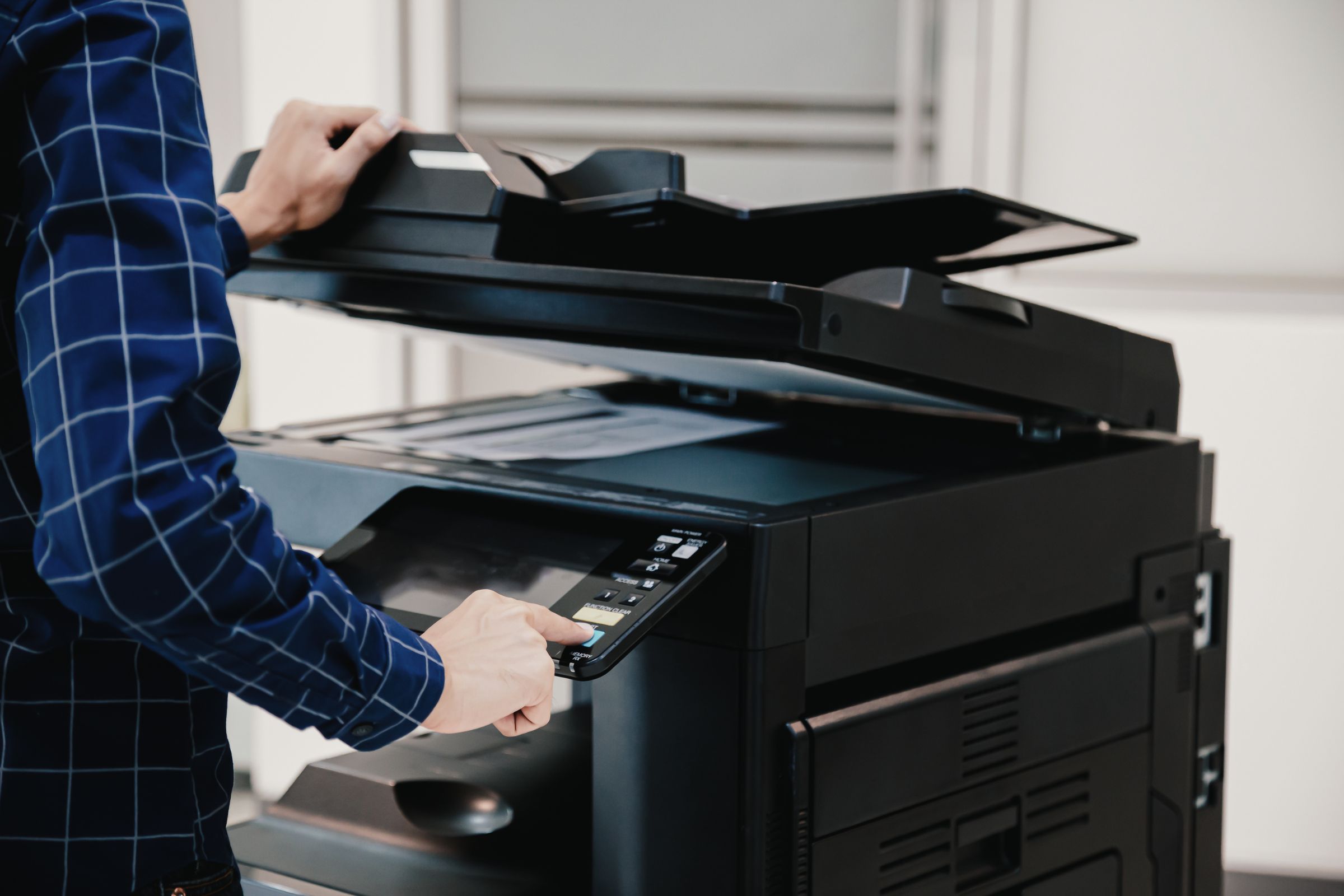
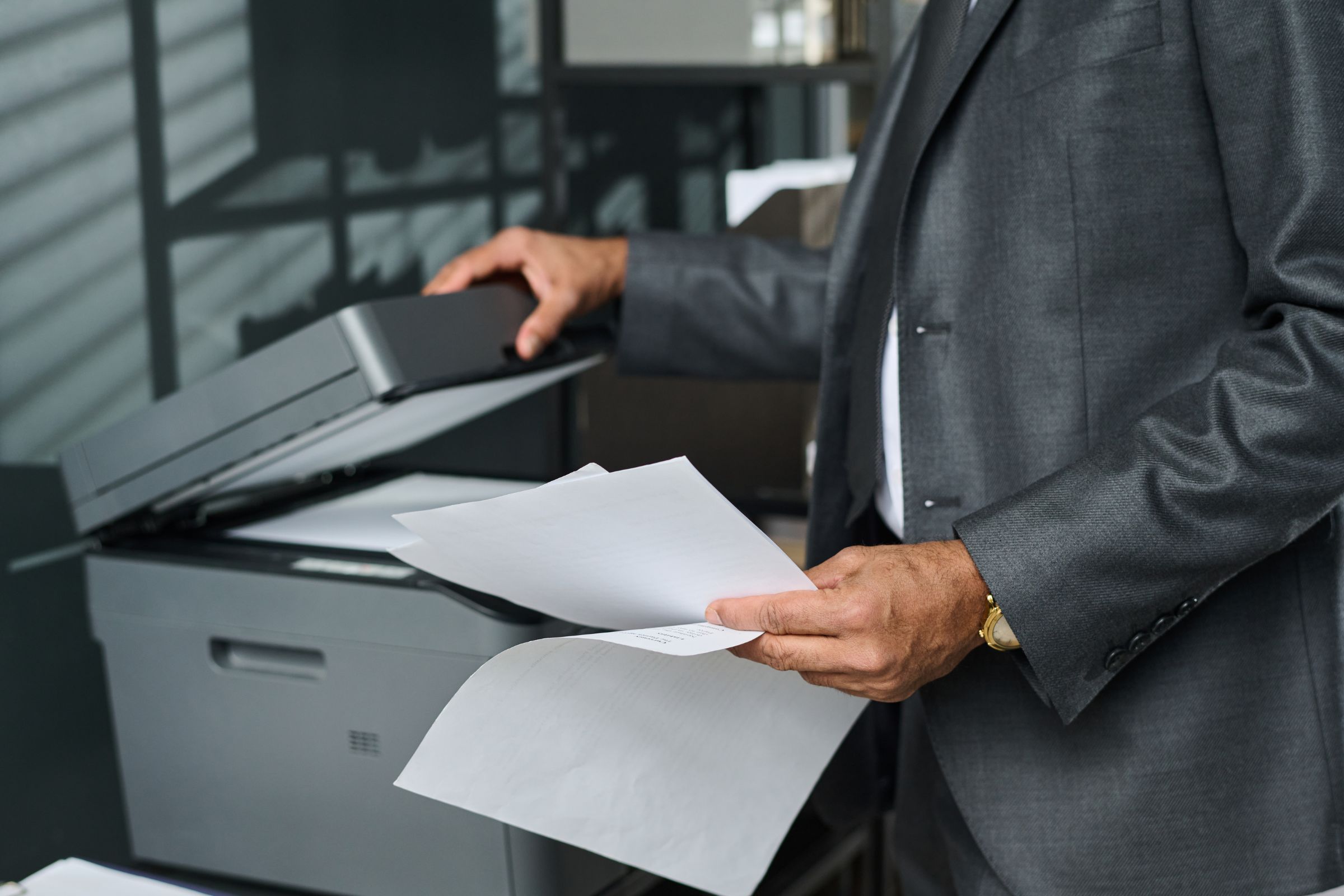
Office printing may seem routine, but its costs can sneak up fast. Fortunately, you don’t have to downgrade your equipment or print in black-and-white only to reduce printing costs. Here are practical tips for cutting costs while keeping quality high.
Use Draft Mode and Double-Sided Printing
Simple changes make a big difference. Switching to draft mode for internal documents and printing on both sides of the page reduces paper and toner use. These small tweaks lower overhead without affecting performance.
Maintain Your Copier to Avoid Costly Repairs
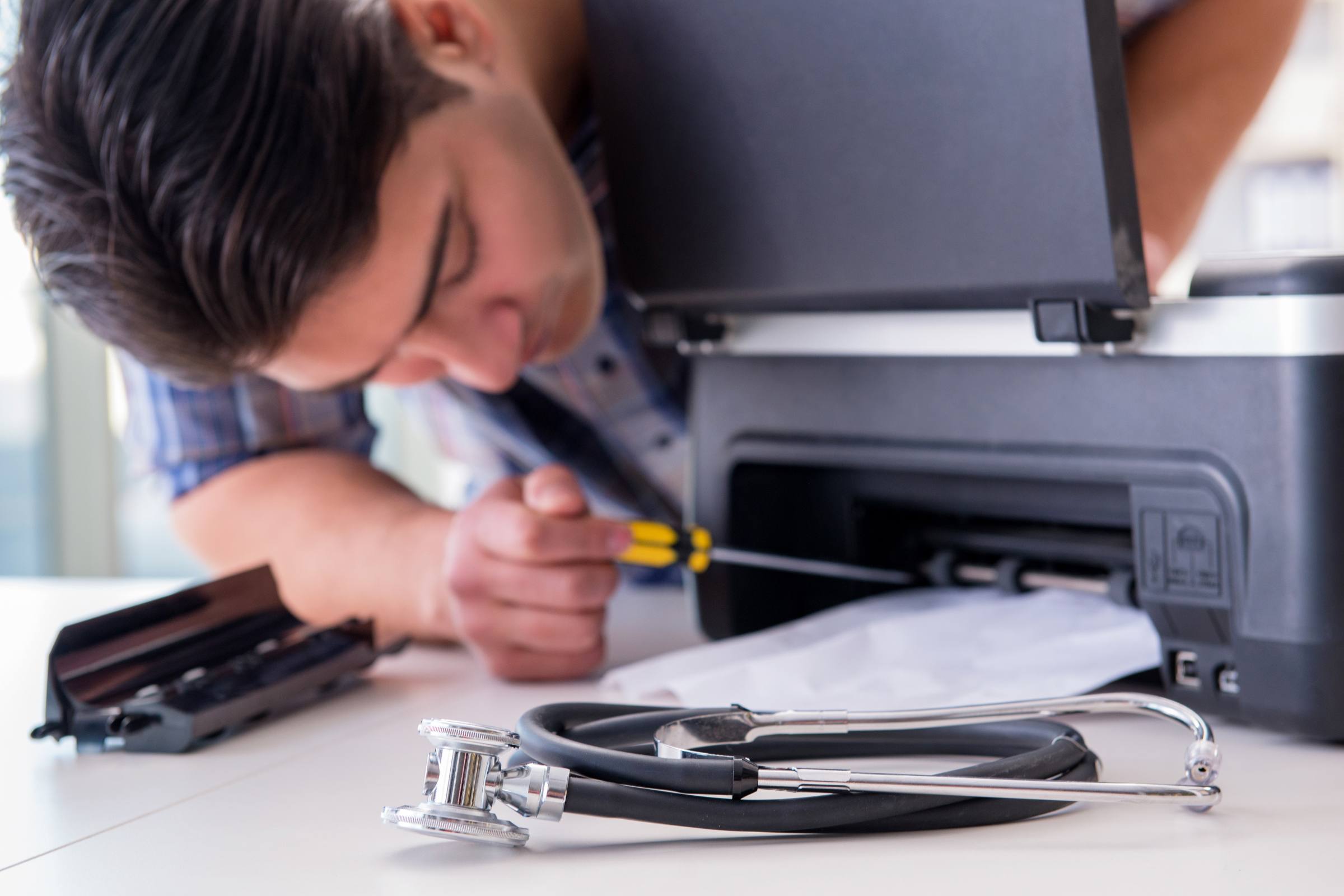
Regular upkeep is key to long-term savings. Following a routine copier maintenance schedule reduces the risk of expensive breakdowns. Clean the machine, use the right supplies, and schedule periodic service checks with RDC Copiers.
Buy Smarter, Not Cheaper
Choosing affordable office copiers doesn’t mean buying the cheapest model. Instead, consider the total cost of ownership—including energy use, toner prices, and maintenance. Higher-efficiency models might cost more upfront but save in the long run.
Partner with a Trusted Local Expert
RDC Copiers helps businesses lower their printing costs with smarter equipment, reliable service, and personalized guidance. Contact us to learn how to optimize your printing environment for better efficiency—and better budgets.
Related Posts