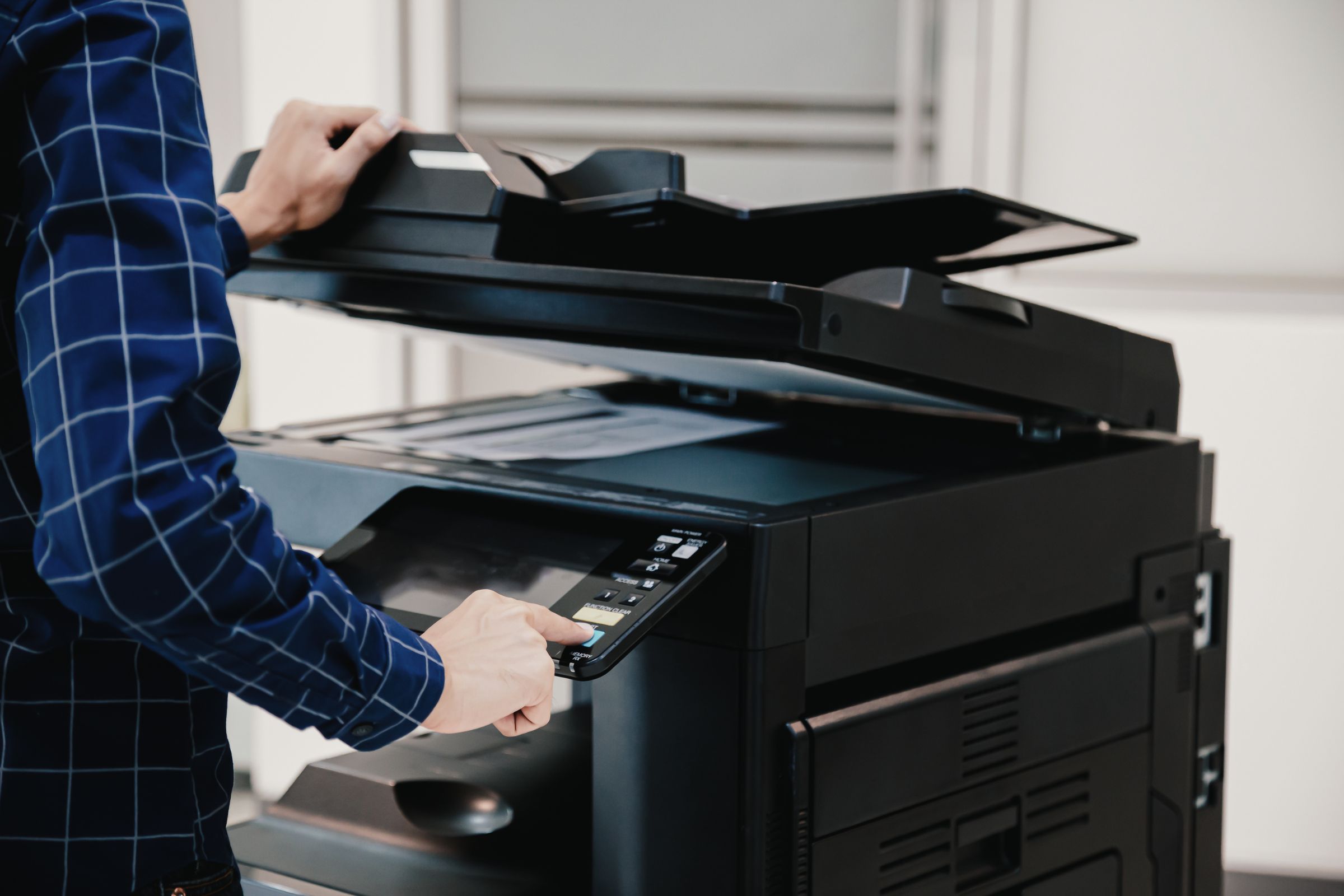
Printing is one of those business expenses that can quietly grow without attracting much attention.…
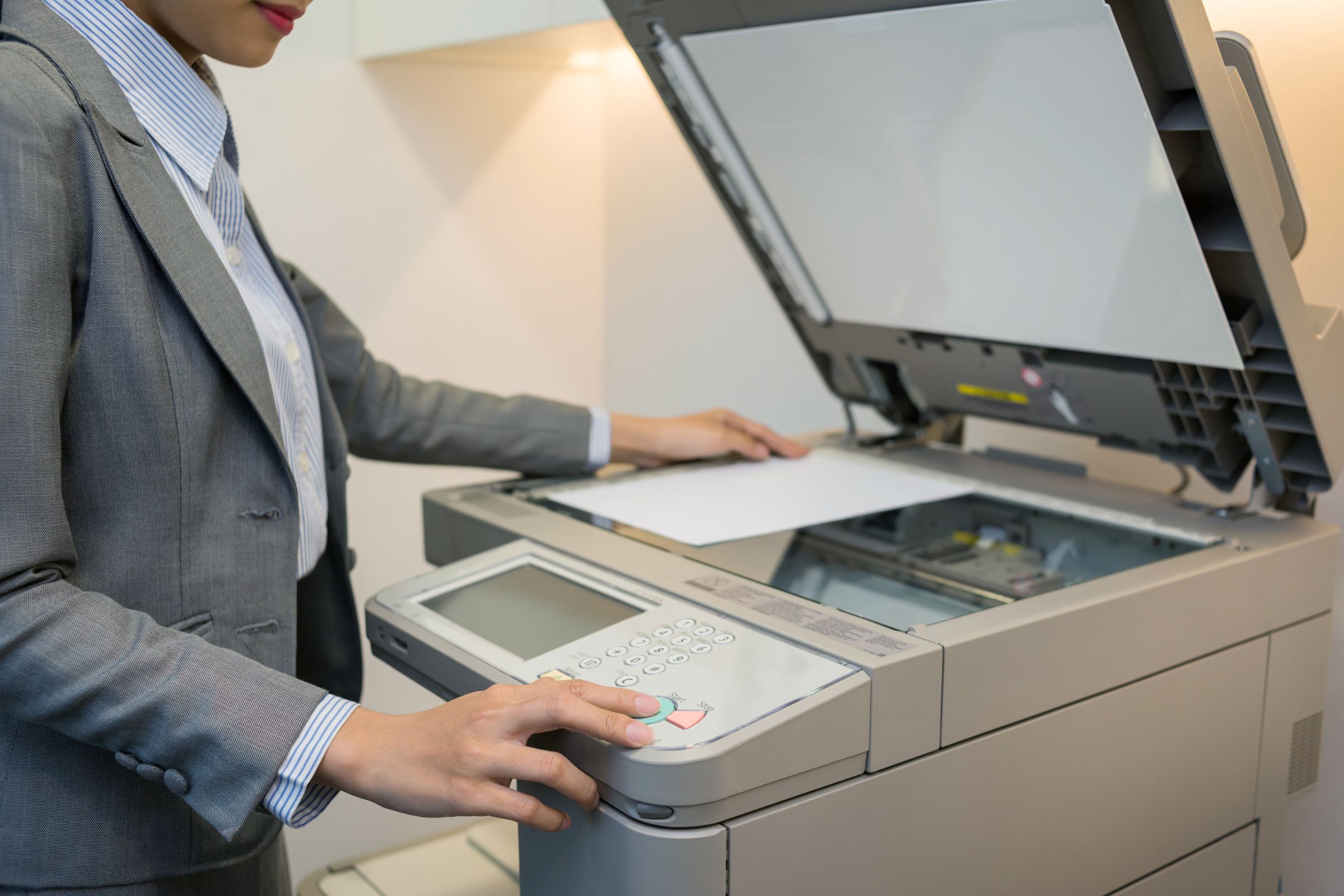
How to Extend the Life of Your Commercial Printer: Insider Tips
A commercial printer is a valuable investment for any business, but its reliability and performance depend heavily on how well it’s maintained. If your print jobs are starting to fade, jam, or slow down, it’s time to think beyond quick fixes and focus on long-term care. With the right commercial printer maintenance routine, you can extend your printer’s lifespan, reduce costs, and minimize downtime.
This guide shares insider strategies for proper office printer upkeep, plus smart printer service tips to keep your equipment running like new.
Why Printer Longevity Matters
Replacing a commercial printer too soon isn’t just frustrating—it’s expensive. Frequent breakdowns and poor-quality prints can impact your team’s productivity and your company’s professional image. Businesses that prioritize proactive commercial printer maintenance are more likely to avoid unexpected service calls and extend the life of their devices significantly.
Simple Daily Habits That Preserve Printer Health
- Turn it off the right way: Powering off properly when the printer isn’t in use overnight can help protect internal components.
- Use high-quality supplies: Cheap toner or off-brand paper can damage internal parts. Always opt for trusted materials suited to your printer’s make and model.
- Keep it clean: Dust, debris, and ink buildup are silent productivity killers. Regularly wiping down trays and using internal cleaning cycles are essential parts of good office printer upkeep.
Schedule Preventive Maintenance
One of the smartest ways to extend printer lifespan is to establish a consistent service schedule. This includes professional inspections, firmware updates, and part replacements before problems arise.
When issues do occur, having access to a responsive copier repair service ensures minimal disruption. Working with an experienced provider helps you stay ahead of mechanical failures that could shorten the life of your printer.
When to Call for Expert Help
Some signs should prompt you to bring in professional support:
- Recurring error codes
- Paper feed problems
- Streaks or inconsistent print quality
- Slower-than-usual processing
- Unusual noises or overheating
These issues often indicate deeper problems that require more than a basic reset. A qualified copier repair service technician can diagnose the problem and restore performance while preserving the printer’s longevity.
Printer Service Tips from the Pros
- Create a usage log to monitor patterns and identify irregularities early.
- Replace worn rollers or cartridges promptly to avoid paper jams.
- Store paper in a dry, clean environment to avoid feeding issues.
- Educate your team on basic printer service tips to reduce user error.
- Schedule seasonal checkups to align with peak usage periods.
Conclusion
With proactive care and a focus on preventive service, your business can extend the life of its commercial printer and avoid the hidden costs of early replacement. From daily maintenance to professional copier repair service, the key is to stay ahead of problems and make smart decisions that protect your equipment.
Need help with a commercial printer maintenance plan? Look for a provider with a reputation for dependable service and deep experience in managing long-term office printer upkeep.
Related Posts