Printing is one of those business expenses that can quietly grow without attracting much attention.…

Common Copier Issues and How to Troubleshoot Them
Office Copier Troubles? Here’s How to Fix the Most Common Issues
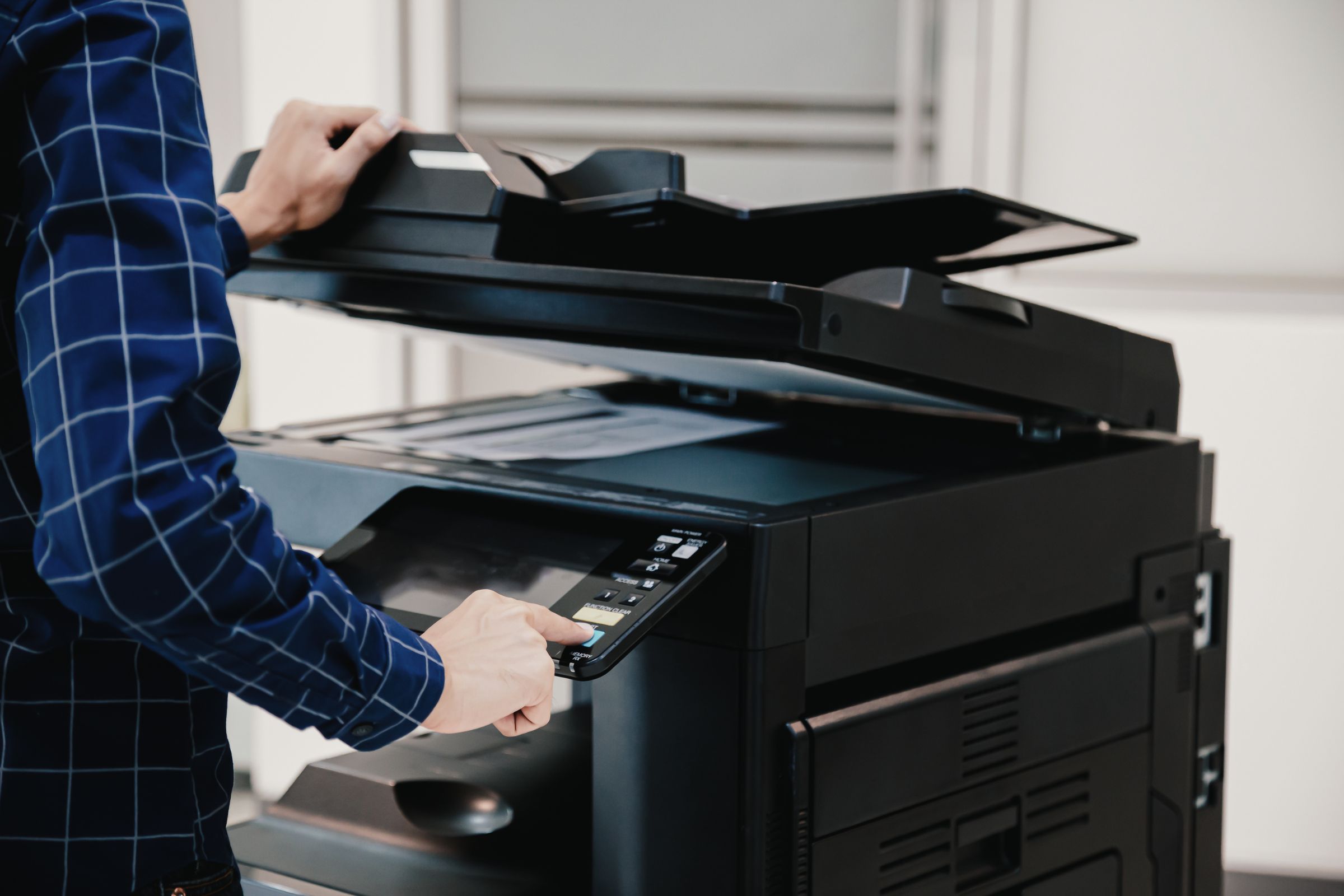
If you’re like most offices, your copier is a critical part of daily operations—until it starts acting up. Whether it’s a paper jam, blurry prints, or connectivity issues, these disruptions can stall productivity. Here’s how to handle the most common copier repair service problems.
Paper Jams, Streaks, and Connectivity Issues
Some of the most frequent complaints involve paper jams, which are often caused by misaligned paper trays or low-quality paper. Blurred lines or streaks typically point to dirty rollers or worn-out toner. And if your copier won’t connect to the network, check cables or restart the device.
Try These DIY Copier Troubleshooting Tips
Before you call for help, there are a few basic steps you can take. Always use high-quality paper and store it in a dry environment. Regularly clean the scanner glass and rollers to prevent common copier problems. Restarting the copier can also clear minor software glitches.
When It’s Time to Call the Pros
If these quick fixes don’t work—or if the problem keeps coming back—it’s time to schedule professional office copier troubleshooting. Our team at RDC Copiers can quickly assess and resolve any issue, ensuring you’re back up and running in no time.
Prevent the Problem Before It Starts
Routine maintenance is the best way to prevent copier breakdowns. Get ahead of issues by booking scheduled service visits with RDC Copiers—your local expert in reliable copier repair service.
Related Posts